
Bootable USB Installer Windows 11 Pro + LinuxMint
Bootable USB with Windows 11 Pro unattended installer, plus LinuxMint and GParted—fast setup, dual-boot, and partition repair in one tool. Ito ang mabisa at pinaka-mabilis na paraan para makapag-install kayo ng Windows 11 Pro ng kahit paulit ulit pa.
₱499.00


Your all‑in‑one installation toolkit for modern computing.
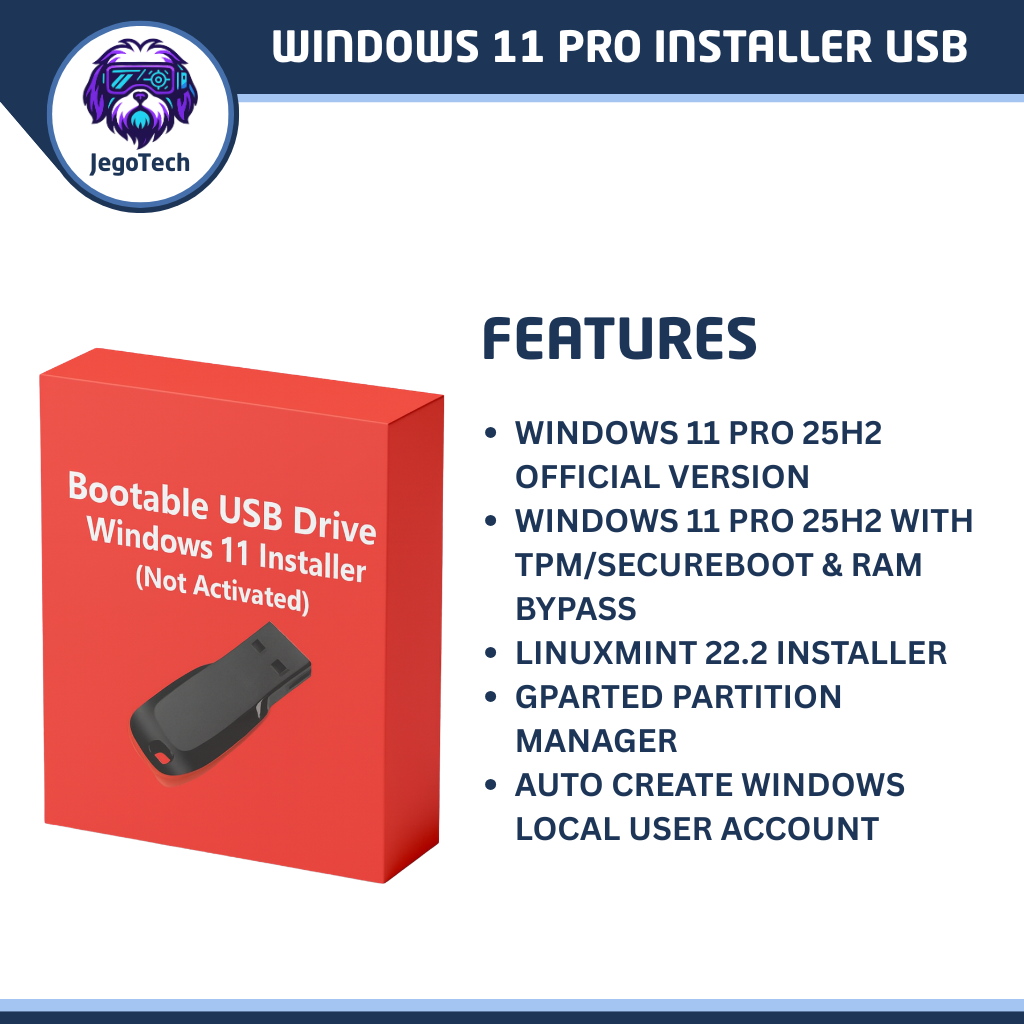
This prepared USB flash drive is designed for technicians, IT enthusiasts, students, and advanced users who need a reliable way to install or repair operating systems. It contains three powerful installers in one device:
- Windows 11 Pro Unattended Setup
- Built from the official Microsoft ISO.
- Two versions included:
- Standard installer (no bypass).
- Installer with TPM/SecureBoot bypass for legacy hardware.
- Note: No license key or activation is included. Users must provide their own valid Windows license.
- LinuxMint Installer
- A user‑friendly Linux distribution for everyday computing.
- Ideal for dual‑boot setups or lightweight systems.
- GParted Partition Utility
- Industry‑standard open‑source tool for disk partitioning.
- Perfect for resizing, formatting, or preparing drives before installation.
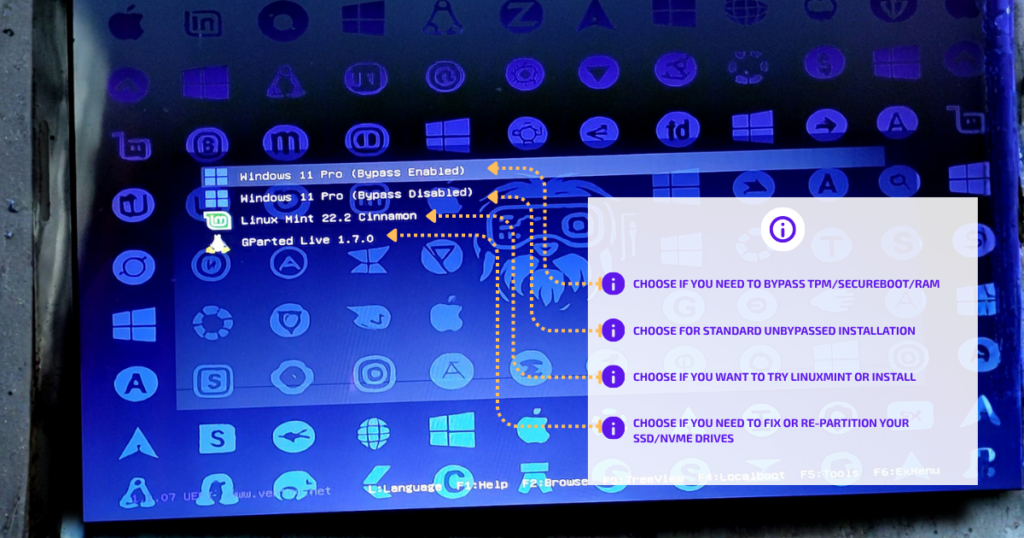
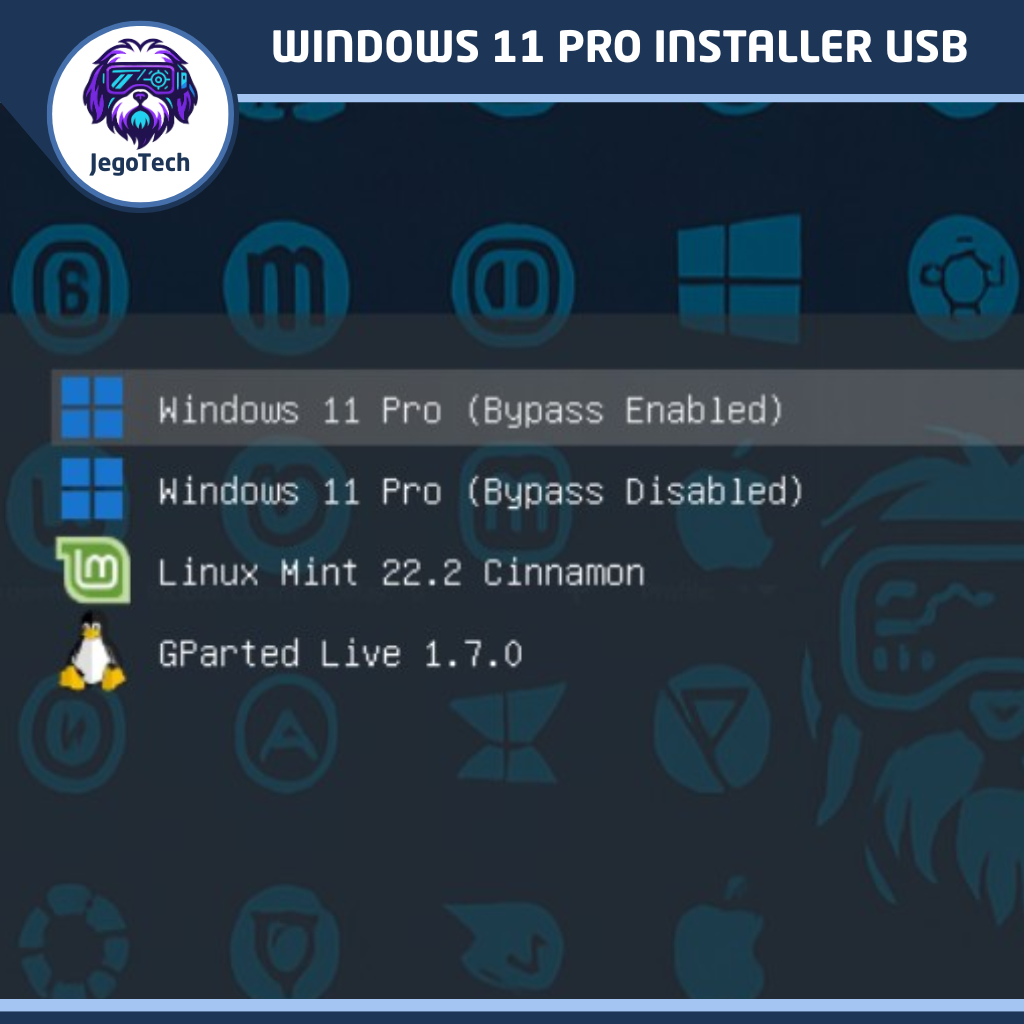
Boot Menu That You Will See Upon Booting The USB Installer for Windows 11
Key Benefits
- Multi‑OS flexibility: Install Windows or Linux, or repair partitions with GParted.
- Unattended setup: Faster Windows installation with pre‑configured options.
- Hardware compatibility: Works on modern PCs and legacy systems with TPM/SecureBoot bypass.
- Portable utility: One USB drive, three essential tools.
⚠️ Disclaimer: This USB does not include a Windows license or activation. Windows must be activated with a valid product key purchased separately from Microsoft or authorized resellers.
What Is an Unattended Installer?
An unattended installer is a customized setup process that runs automatically without requiring constant user input. Instead of manually clicking through every prompt, the installer uses pre‑defined settings (such as language, edition, and partition choices) to streamline installation.
Setup Prompts vs OOBE
- Setup prompts: Early installation questions like disk partitioning, product key entry, and edition selection.
- OOBE (Out‑Of‑Box Experience): The stage after installation where Windows normally asks for region, keyboard layout, user account, privacy, and network settings.
With unattended installation, both setup prompts and OOBE are automated.
This means:
- Time‑saving: Installs Windows faster by skipping repetitive questions.
- Consistency: Ensures the same configuration across multiple PCs.
- Flexibility: Includes both standard and TPM/SecureBoot bypass versions for broader hardware support.
This makes unattended installation especially useful for IT professionals, system builders, and anyone managing multiple devices.
Saan Ideal Ito?
Ideal and Unattended Installer kung paulit-ulit kang nag-iinstal ng Windows sa ibat ibang PC or Laptop.
Hindi mo na kailangan pang sumagot sa questions during Setup.
Malalaman mo nalang na tapos na pala ang setup, kapag nasa desktop ka na, at di mo na kailangan mag setup ng account, dahil covered na rin yan. Bale papaliatan mo nalang ang user/pass kung i-deploy mo na.
When To Use Bypass Mode
Windows 11 requires certain hardware features like TPM 2.0 and Secure Boot. These checks improve security on modern systems, but they can block installation on older laptops and PCs that were previously running Windows 10 without issues.
Bypass mode is useful when:
- You have an older laptop or desktop that ran Windows 10 smoothly but does not meet Windows 11’s strict hardware requirements.
- You are installing Windows 11 on legacy hardware for testing, secondary use, or compatibility reasons.
- You need flexibility in deployment across mixed environments where not all devices support TPM or Secure Boot.
Important Notes:
- Bypass mode allows installation on unsupported hardware, but these systems may not receive full security updates or official support from Microsoft.
- Use bypass mode only when you understand the risks and need Windows 11 on hardware that otherwise cannot install it.
- For newer systems with TPM and Secure Boot, the standard installer is recommended for maximum compatibility and security.
Frequently Asked Questions (FAQ)
Does this USB include a Windows license? No. The USB contains installation media only. You must activate Windows 11 Pro with a valid product key purchased separately from Microsoft or authorized resellers.
What are setup prompts? Setup prompts are the questions asked during installation, such as language selection, edition choice, disk partitioning, and product key entry. In an unattended installer, these are pre‑answered to save time.
What is OOBE (Out‑Of‑Box Experience)? OOBE is the stage after installation where Windows normally asks for region, keyboard layout, user account, privacy, and network settings. With unattended installation, these prompts are automated, so the system boots directly to the desktop or a predefined state.
Does this USB skip OOBE? Yes. The unattended installer automates OOBE, meaning you won’t need to manually answer those questions. This ensures faster, consistent installations across devices.
Can I still customize settings after installation? Absolutely. Even though OOBE is automated, you can adjust region, accounts, privacy, and other preferences later in Windows settings.
Can I use this for dual‑boot setups? Yes. The USB includes LinuxMint and GParted, making it ideal for creating dual‑boot systems or managing partitions before installation.
Will installation require an internet connection? No, the unattended installer can complete setup without internet access. However, connecting to the internet is recommended afterward for updates, drivers, and activation.
Does Windows 11 require a Microsoft account? By default, Windows 11 encourages Microsoft account sign‑in during OOBE. The unattended installer bypasses this requirement, allowing you to use a local account instead. You can still add a Microsoft account later if desired.
Ready to Get Started?
Equip yourself with a reliable, all‑in‑one bootable USB installer that saves time and simplifies system setup. With Windows 11 Pro unattended installation, LinuxMint, and GParted all in one device, you’ll have the essential tools for building, repairing, or upgrading PCs.
Order now through Shopee or TikTok Shop and get your Windows 11 Pro Unattended USB installer delivered straight to your door.
Specification: Bootable USB Installer Windows 11 Pro + LinuxMint
|


There are no reviews yet.